FramePrompts
NewCurated picks
Browse library ↘
Materials↗
Backgrounds↗
Mockups↗
Styles↗
Portraits
Lifestyle↗
Effects↗
LogoTextObjectsFilters
Generations↗
ObjectsCharactersLogosBanners
View all prompt categories →
80s VHS Text Effect — GPT Image 2.5 (Sunburst) AI prompt preview 1
1 / 5
Home/Effects · Text prompts/80s VHS Text Effect

Effects · Text

80s VHS Text Effect AI Prompt

Best for GPT Image 2.5 (Sunburst)

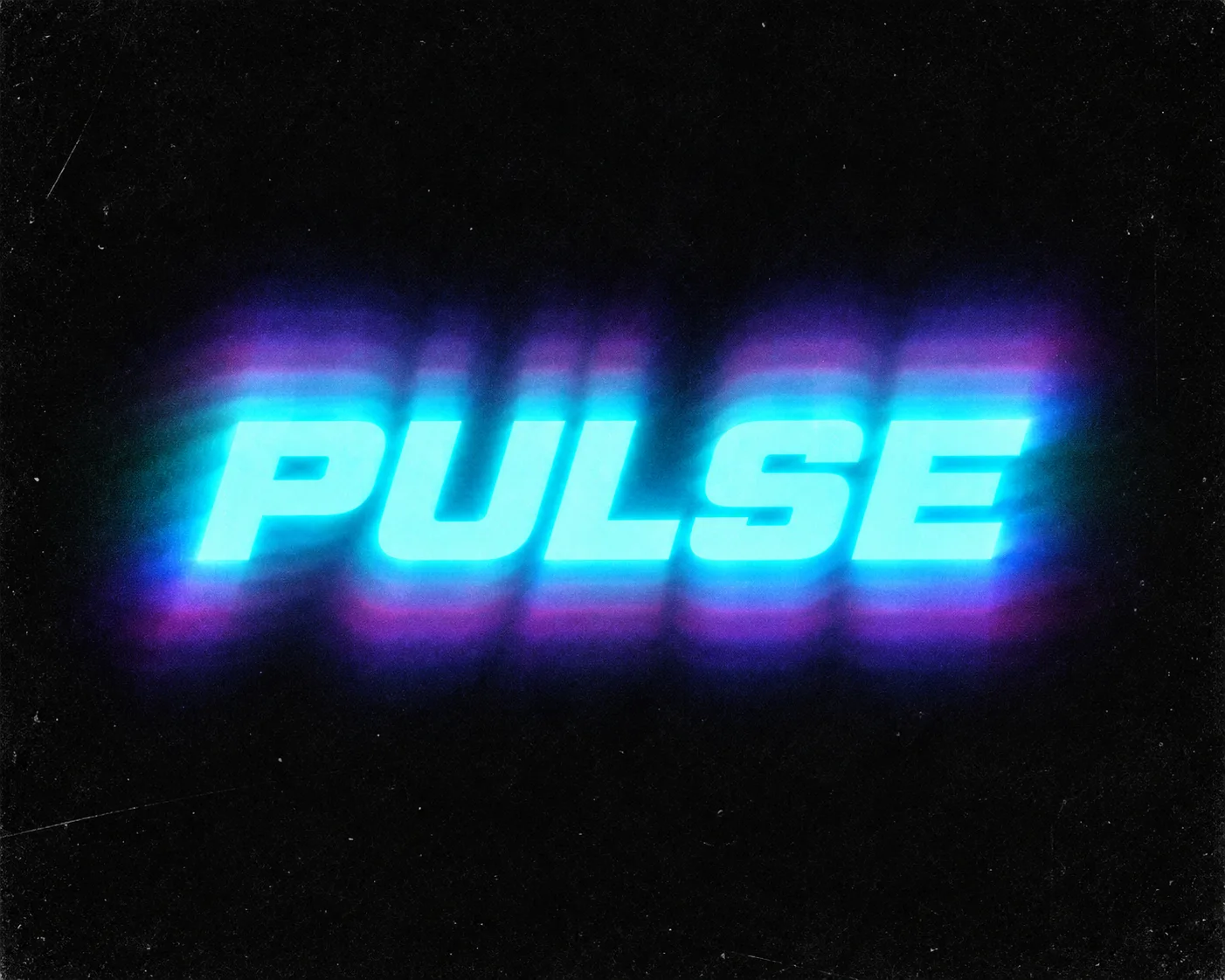
Create custom 80s VHS typography with softly blurred letters, luminous color overlays and subtle analog noise on black. Enter your own text and color to make retro title cards, posters or album covers.

FramePrompts

Prompt preview

This is the complete prompt. You can scroll through it here or use Copy prompt on the page.

Make it yours

What can you change?

For 80s VHS Text Effect, change only the input identified below. Keep the instructions that define the visual result intact.

  • Your wording

    Replace the words specified by this prompt with [your exact text]. Keep its lettering treatment and check every letter in the result.

Review the complete prompt before generating. Changing its defining subject, composition or effect may produce a different result from the previews.

FramePrompts instructions

Turn your words into an image.

Start with a text-effect prompt, replace its sample wording and generate your own lettering. The purple example shows the steps; the look comes from whichever prompt you choose.

Before you start

Your words · A text-effect prompt · ChatGPT image generation

This walkthrough applies to the selected prompt type. Check its listed model and input requirements before starting.

01

Paste the prompt and find the wording

Copy the full prompt from FramePrompts and paste it into a new ChatGPT message. Look for the text placeholder, such as [YOUR TEXT], or the sample phrase the prompt asks the image to spell. This text-based workflow does not need an uploaded logo or photo unless the selected prompt specifically asks for one.

Text-effect prompt with the YOUR TEXT placeholder highlighted
Find the part that defines the words in the finished image. Click image to enlarge.
02

Replace it with your words

Replace the placeholder, including its brackets, with the exact wording you want. In this example, [YOUR TEXT] becomes PLAY HARD. Check spelling and any word-count or layout requirements in the prompt. Keep the remaining instructions for your first attempt, then send the message to generate the image.

PLAY HARD replaces the placeholder and the send button is highlighted
Change the wording, then send the complete prompt. Click image to enlarge.
03

Check every letter

Read the result carefully. Check spelling, missing letters, word order and whether the layout is readable. Save the version you like. To explore another phrase, replace the wording in the original prompt and generate again.

PLAY HARD rendered as glossy purple three-dimensional lettering
Example result using the replacement phrase PLAY HARD. Click image to enlarge.

Not what you expected?

The words are misspelled

State the exact phrase again: The text must read “[your words]” exactly. Correct the lettering while keeping the visual style. Check the next result before using it.

The phrase does not fit

Try fewer words, or ask for a layout that accommodates your phrase. Longer wording can change the composition shown in the preview.

Results vary between tools and generations. For safe input changes, close this guide and open Editable on the prompt page.

Try this prompt in Higgsfield↗

Affiliate link · Copy this prompt, then paste it in Higgsfield. Results may vary by model.

Free to copy, edit and use in your preferred AI image tool.

AI-generated example. Third-party marks, characters and other protected material, if shown, belong to their respective rightsholders. No affiliation or endorsement is implied.

Works well with this prompt

More Effects · Text prompts →
Retro Echo Glow Text Effect AI-generated design created with this promptRetro Echo Glow Text EffectLiquid Gradient Melting Text Effect AI-generated design created with this promptLiquid Gradient Melting Text Effect1980s Neon Action Text Effect AI-generated design created with this prompt1980s Neon Action Text EffectTextured Phosphor Glow Text Effect AI-generated design created with this promptTextured Phosphor Glow Text EffectChrome Synthwave Retro Typography AI-generated design created with this promptChrome Synthwave Retro Typography
FramePrompts

Curated AI prompts for designers, creators and better visual work.

Company

About

Library

Curated picks

Resources

Licenses
Copyright © 2026 FramePrompts. All rights reserved.
Privacy PolicyTerms of ServiceCookie Policy