FramePrompts
NewCurated picks
Browse library ↘
Materials↗
Backgrounds↗
Mockups↗
Styles↗
Portraits
Lifestyle↗
Effects↗
LogoTextObjectsFilters
Generations↗
ObjectsCharactersLogosBanners
View all prompt categories →
Retro Gouache Poster Phone Wallpapers — GPT Image 2.5 (Sunburst) AI prompt preview 1
1 / 6
Home/Styles prompts/Retro Gouache Poster Phone Wallpapers

Styles

Retro Gouache Poster Phone Wallpapers AI Prompt

Best for GPT Image 2.5 (Sunburst)

Create vertical phone wallpapers in a late-1970s to early-1980s retro poster aesthetic, with gouache-painted forms, airbrushed shading, matte pigment grain, and generous negative space. Replace the subject placeholder with your subject to generate original illustrated backgrounds with simplified shapes and controlled color.

FramePrompts

Prompt preview

This is the complete prompt. You can scroll through it here or use Copy prompt on the page.

Make it yours

What can you change?

Start with Retro Gouache Poster Phone Wallpapers as written. If the full prompt explicitly asks for your own image, wording or another placeholder, replace that input only.

Review the complete prompt before generating. Changing its defining subject, composition or effect may produce a different result from the previews.

FramePrompts instructions

How to use this prompt

Use the complete prompt in an AI image tool, then compare the result with the examples shown here.

Before you start

An AI image tool that supports GPT Image 2.5 (Sunburst), or a compatible model. If the copied prompt requests an image, logo or other reference, prepare your own file too.

  1. Check the model and inputs

    Look at the “Best for” model on this page. Read the copied prompt for any required image, text placeholder or reference. Not every prompt needs an upload.

  2. Copy and send the complete prompt

    Select Copy prompt, paste it into your image tool, and attach your own input only if the prompt asks for one. Replace only the placeholders meant for your content; keep the visual instructions for your first attempt.

  3. Review the result

    Compare the output with the examples. Check important details, especially lettering, logos and proportions, before saving or using the image. Results can vary between tools and generations.

For safe input changes, close this guide and open Editable on the prompt page.

Try this prompt in Higgsfield↗

Affiliate link · Copy this prompt, then paste it in Higgsfield. Results may vary by model.

Free to copy, edit and use in your preferred AI image tool.

AI-generated example. Third-party marks, characters and other protected material, if shown, belong to their respective rightsholders. No affiliation or endorsement is implied.
Works well with this prompt

More Styles prompts →
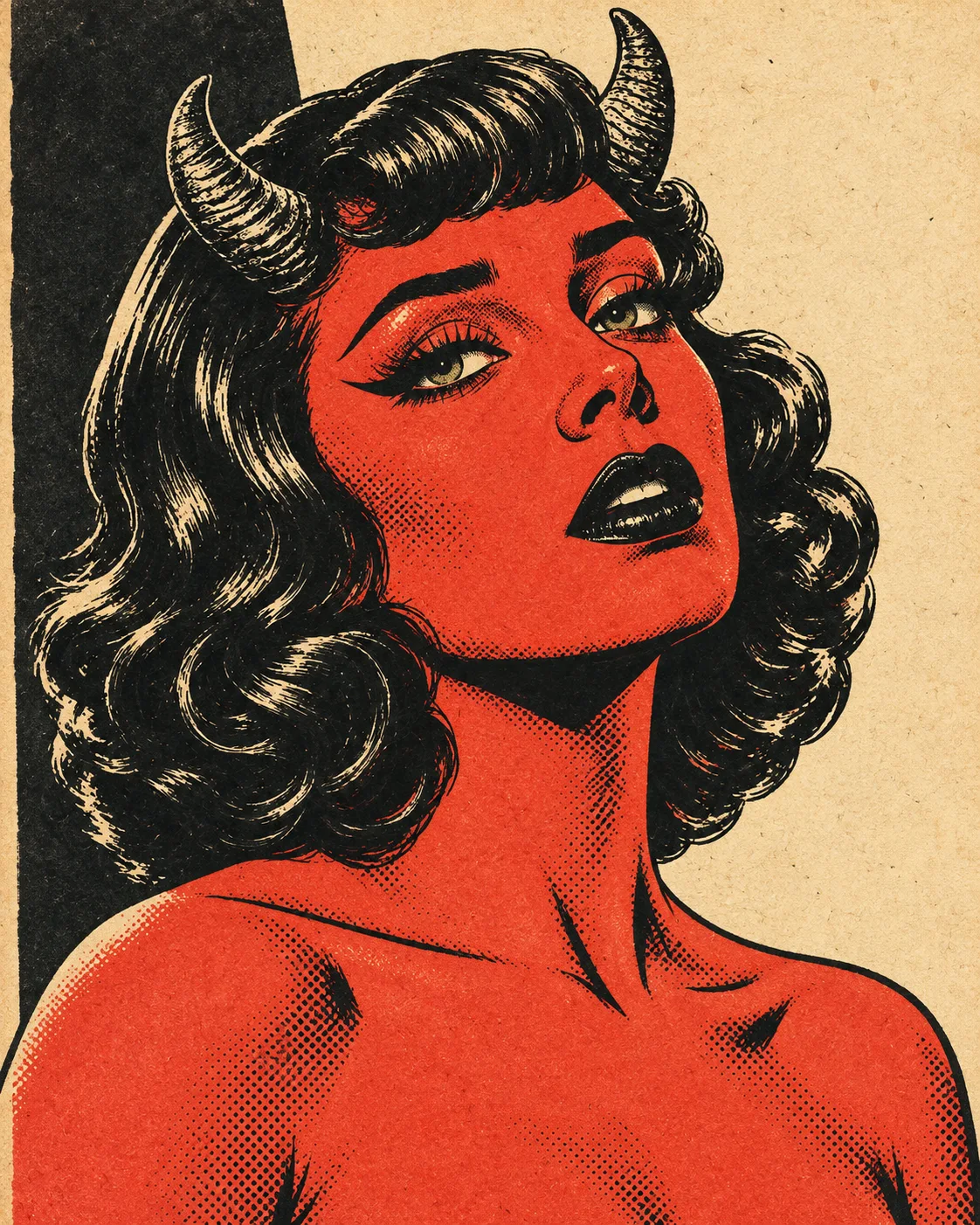
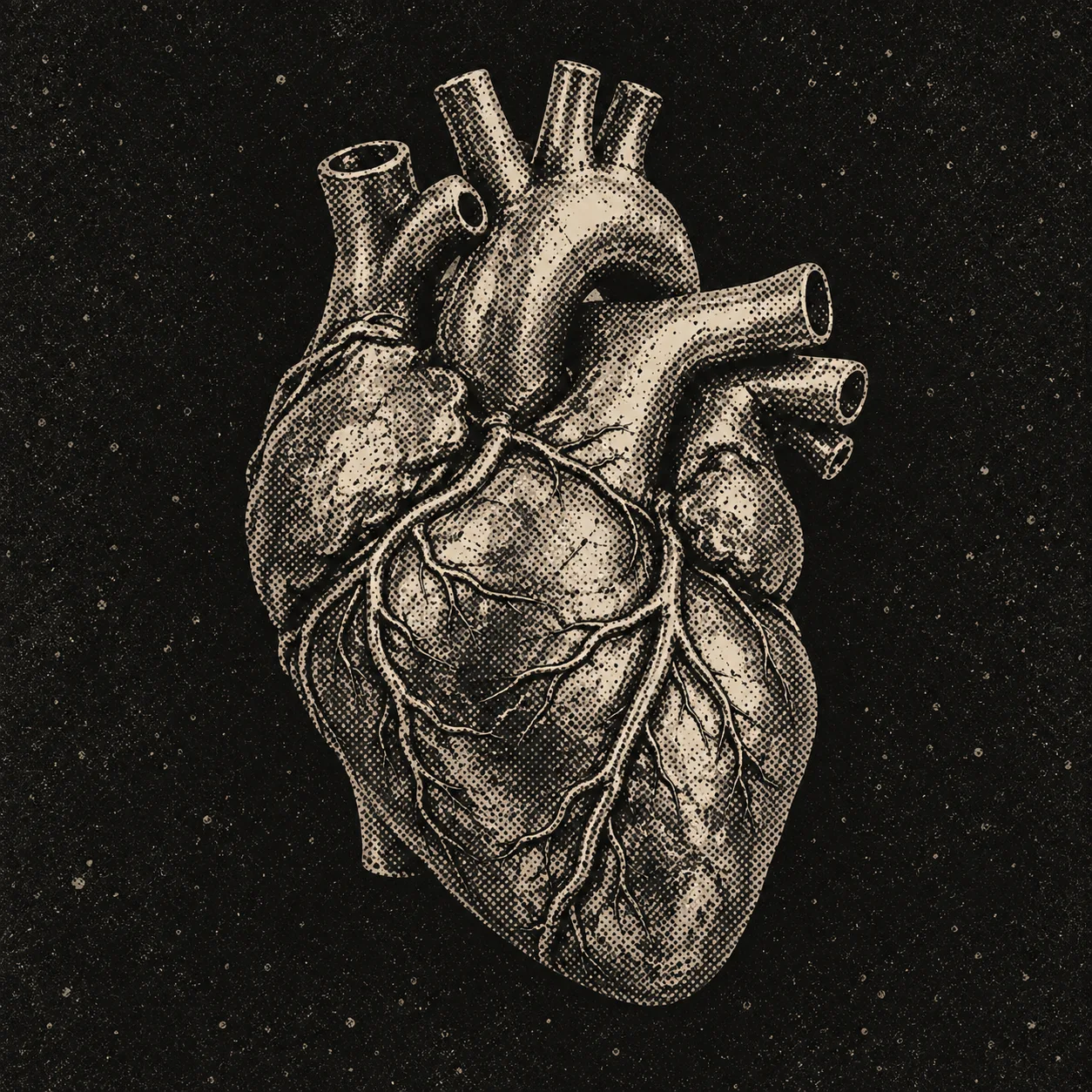
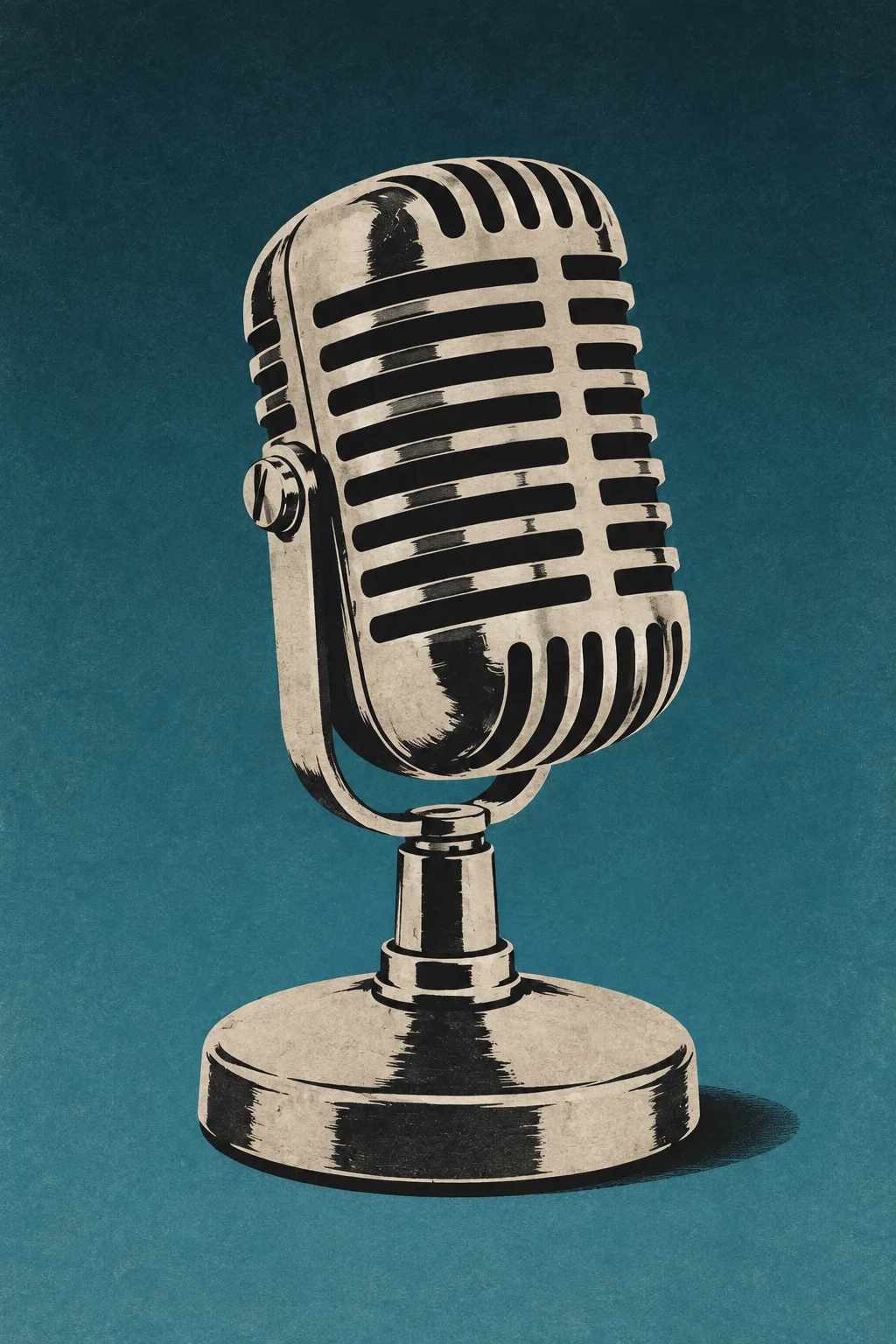
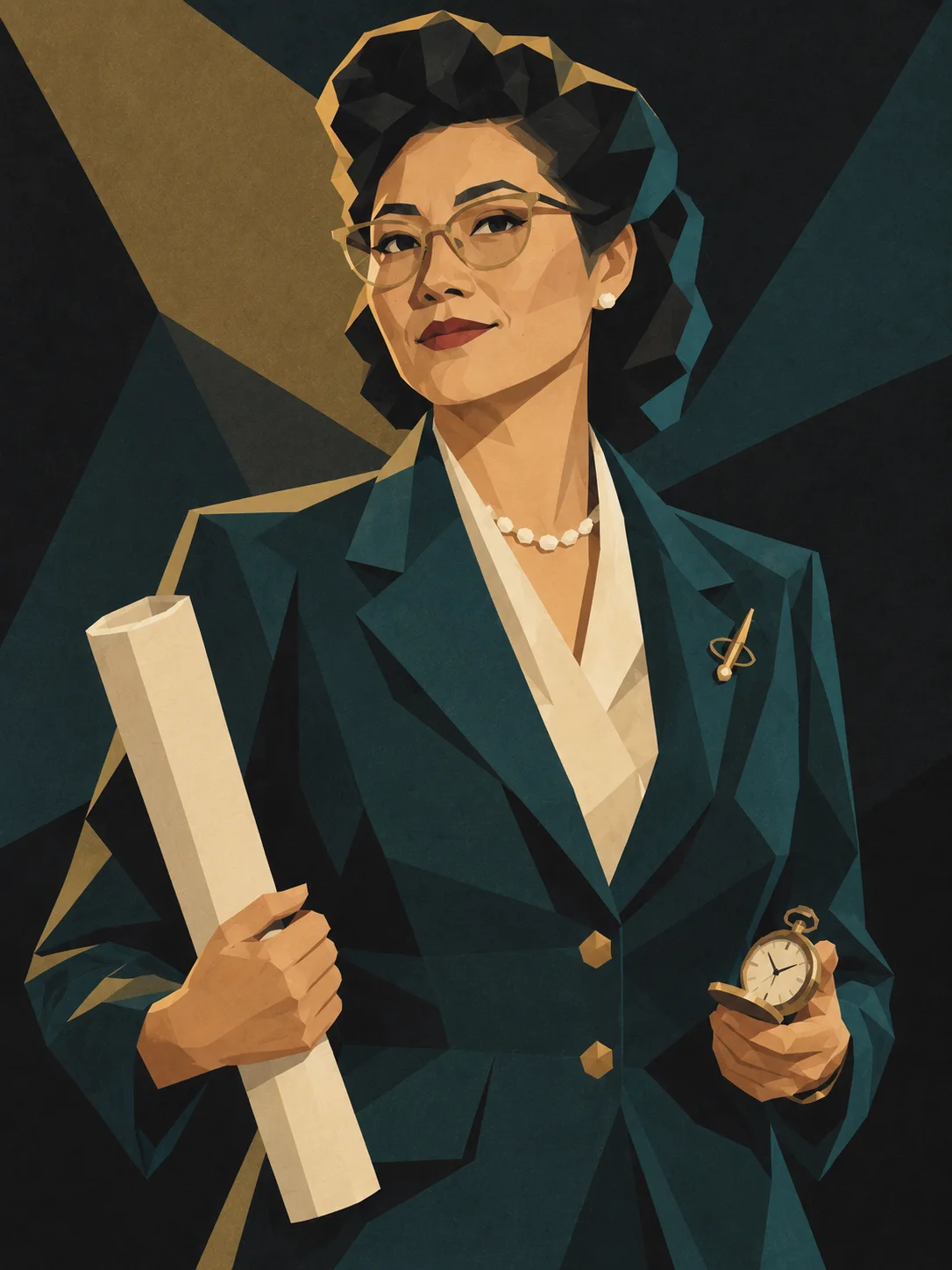
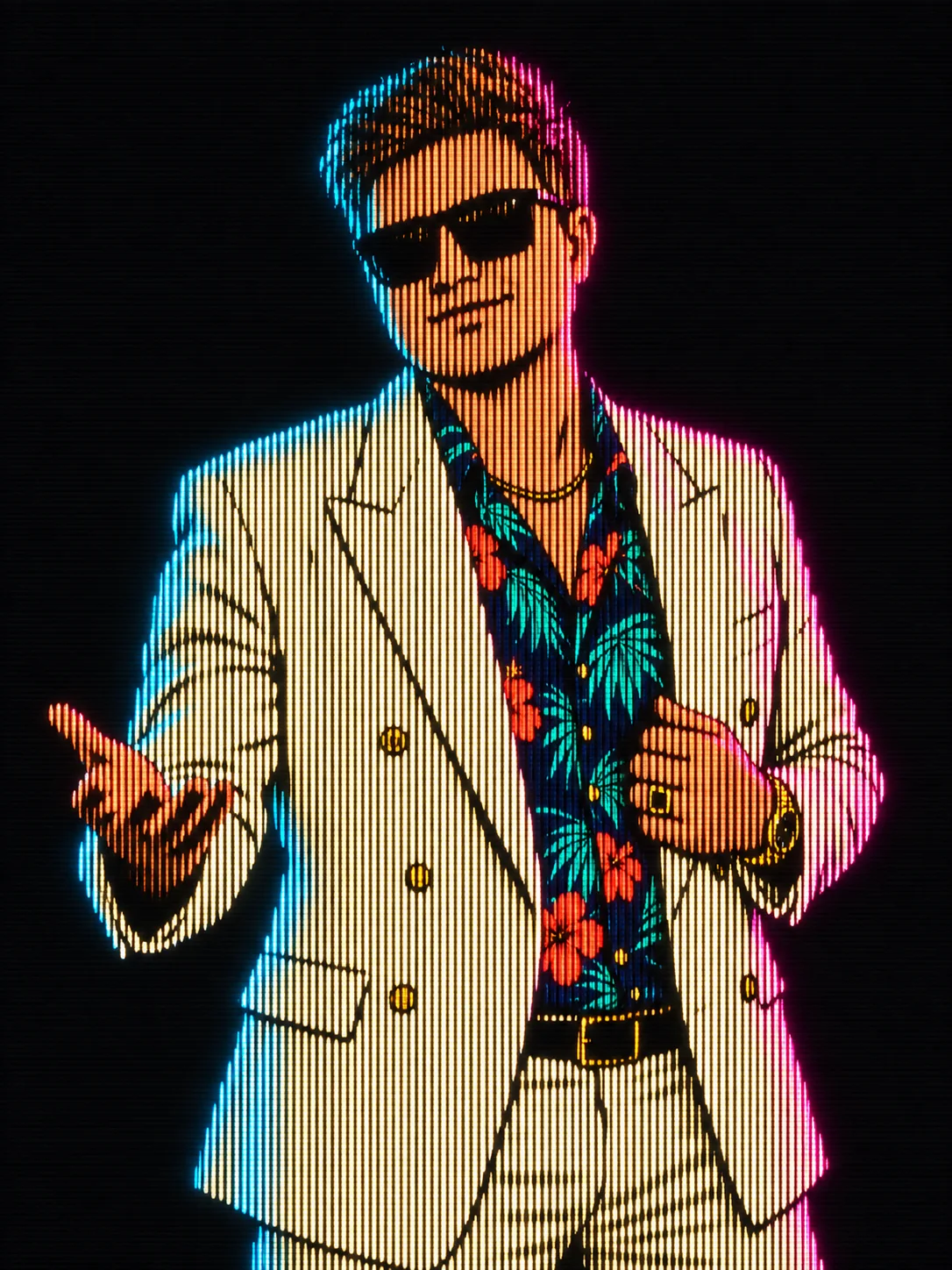
Geometric Polygon Portrait Poster Style AI-generated design created with this promptGeometric Polygon Portrait Poster StyleCRT Phosphor Line Portrait AI-generated design created with this promptCRT Phosphor Line PortraitVintage Halftone Comic Portrait AI-generated design created with this promptVintage Halftone Comic PortraitVintage Halftone Engraving Style AI-generated design created with this promptVintage Halftone Engraving StyleVintage Screenprint Poster Style AI-generated design created with this promptVintage Screenprint Poster Style
FramePrompts

Curated AI prompts for designers, creators and better visual work.

Company

About

Library

Curated picks

Resources

Licenses
Copyright © 2026 FramePrompts. All rights reserved.
Privacy PolicyTerms of ServiceCookie Policy