FramePrompts
NewCurated picks
Browse library ↘
Materials↗
Backgrounds↗
Mockups↗
Styles↗
Portraits
Lifestyle↗
Effects↗
LogoTextObjectsFilters
Generations↗
ObjectsCharactersLogosBanners
View all prompt categories →
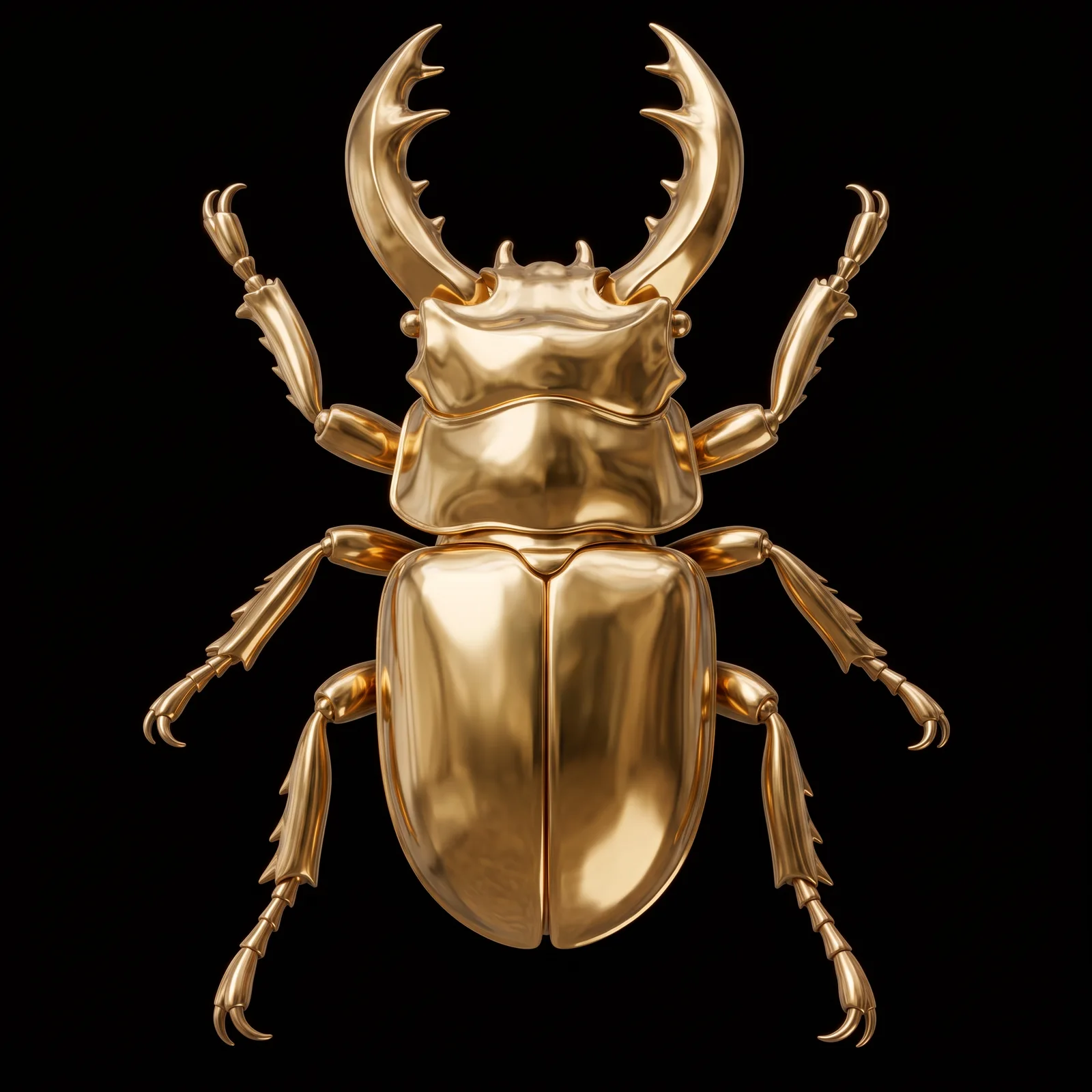
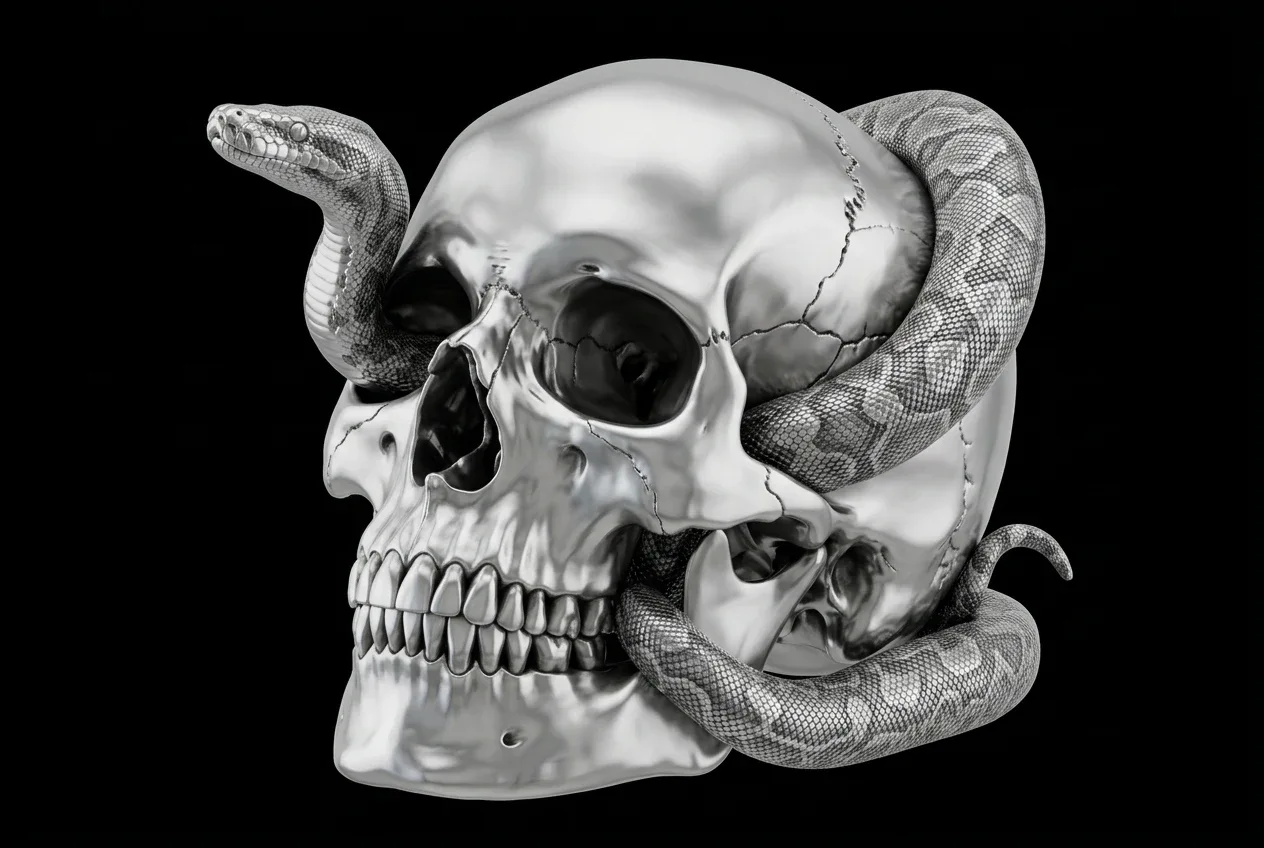
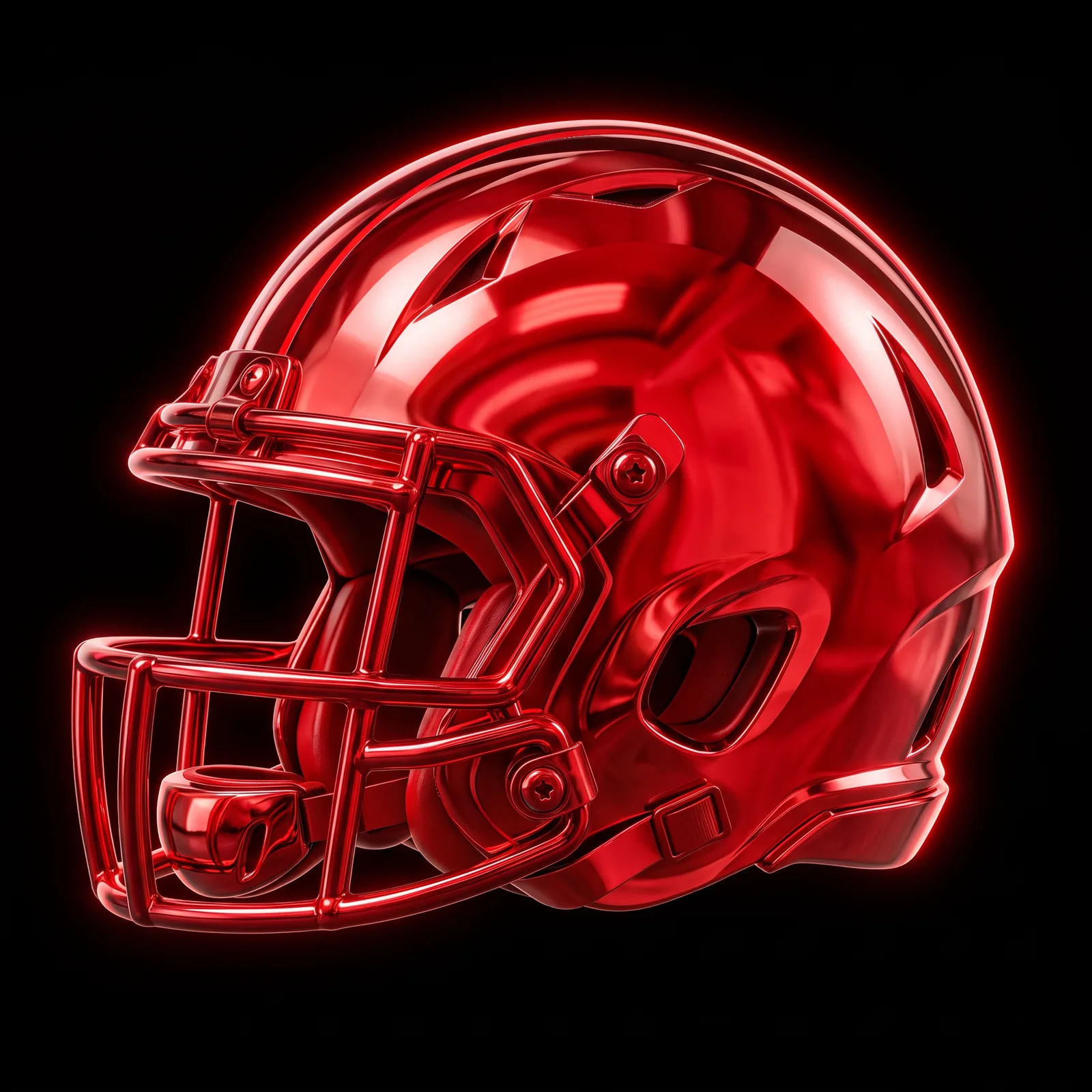
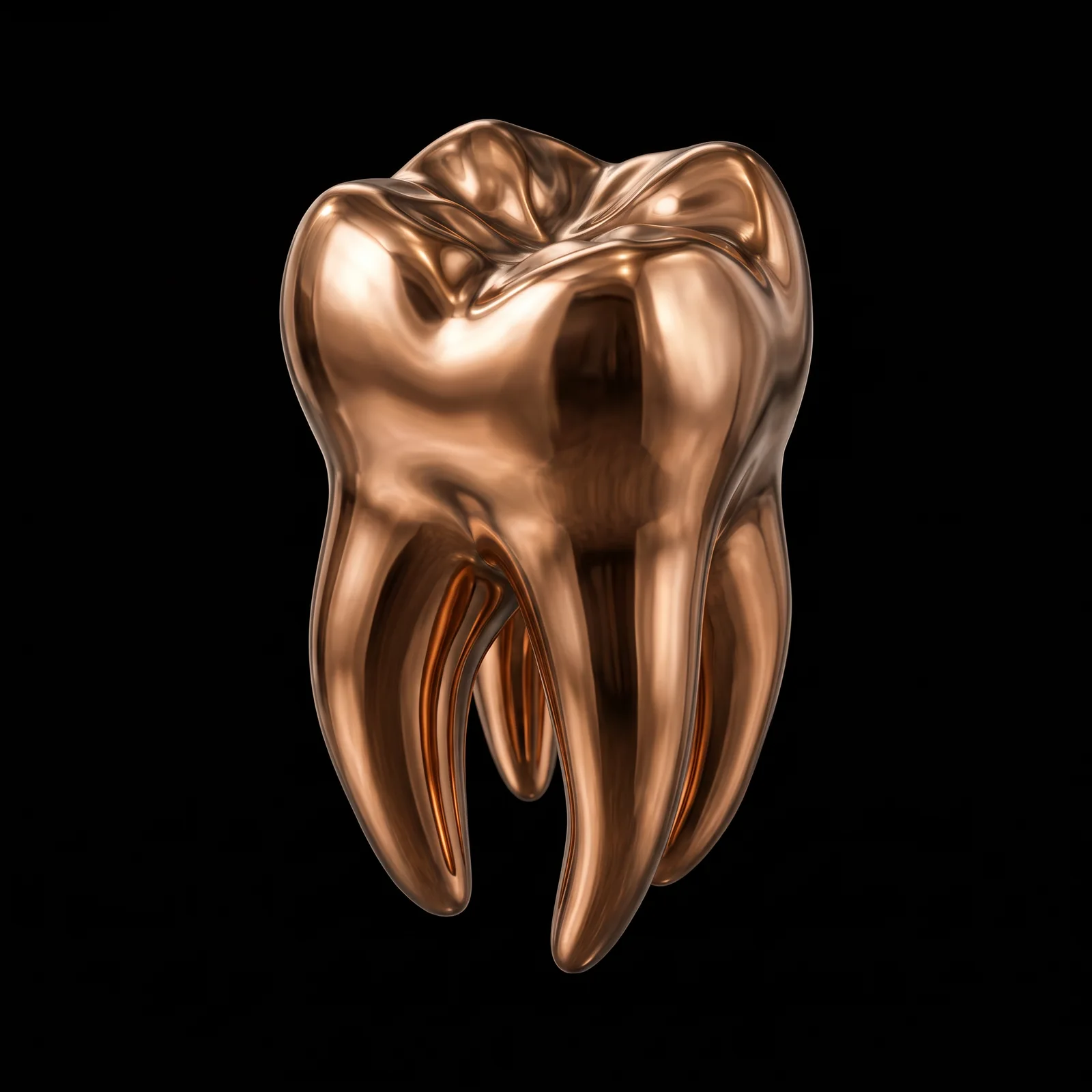
Y2K Red Chrome — Nano Banana 2 (Gemini 3.1 Flash Image) AI prompt preview 1
1 / 6
Home/Materials prompts/Y2K Red Chrome

Materials

Y2K Red Chrome AI Prompt

Best for Nano Banana 2 (Gemini 3.1 Flash Image)

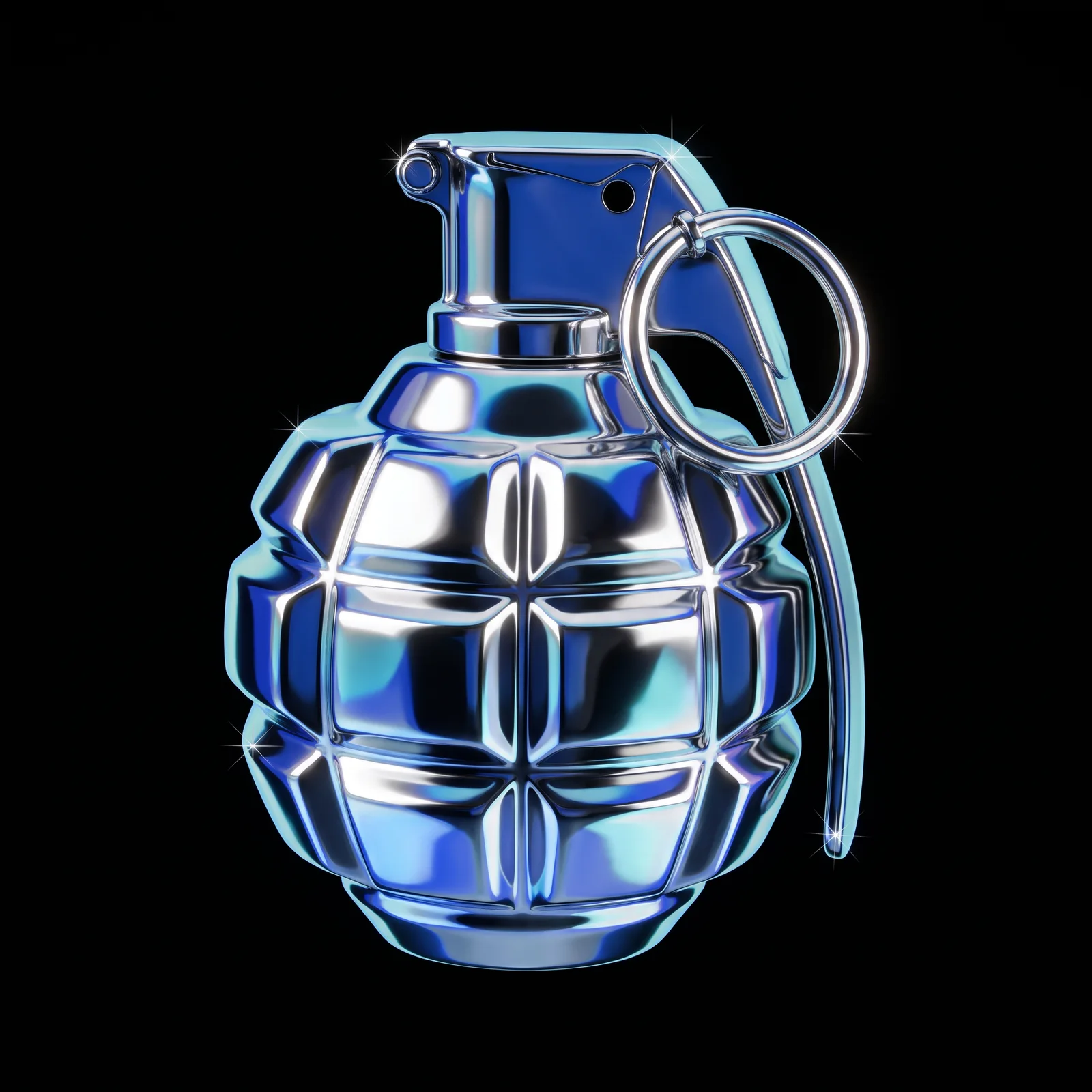
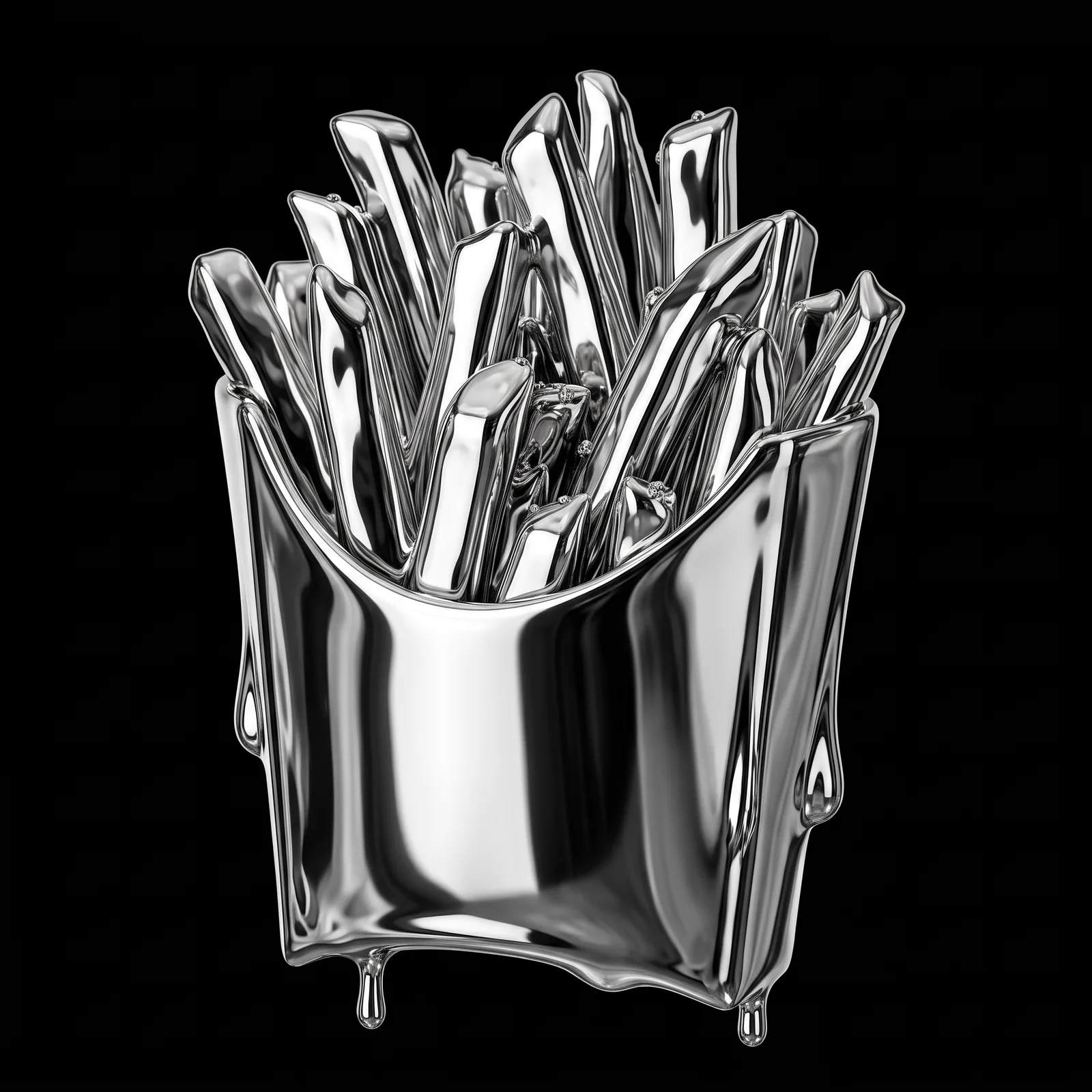
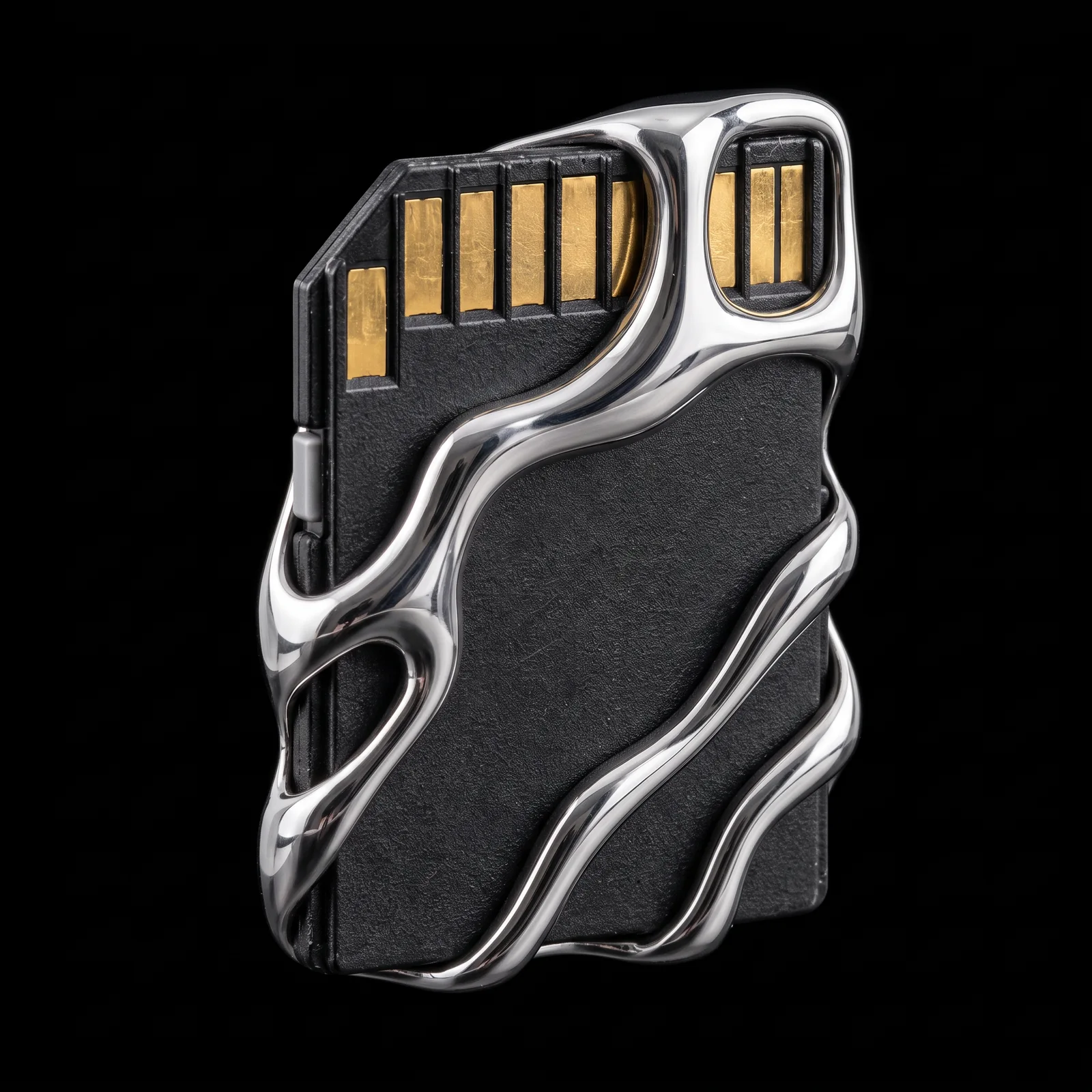
Apply a saturated red chrome finish to an object in your uploaded image. Every visible component becomes smooth, mirror-gloss metal with abstract Y2K reflections and vivid red edge highlights. The original shape stays intact against a pure black background for product imagery and graphic artwork.

Same styleMetallic

LiquidMonochromeY2KPolishedY2KLiquid

FramePrompts

Prompt preview

This is the complete prompt. You can scroll through it here or use Copy prompt on the page.

Make it yours

What can you change?

For Y2K Red Chrome, change only the input identified below. Keep the instructions that define the visual result intact.

  • Your reference image

    Use your own image as the reference requested by this prompt. Keep its visual and preservation instructions unchanged for the first result.

Review the complete prompt before generating. Changing its defining subject, composition or effect may produce a different result from the previews.

FramePrompts instructions

Give your object a new material.

Use an image of your own object and a material prompt to explore a different surface or finish. The chrome example below illustrates the workflow; use the material described in your chosen prompt.

Before you start

An image of your object · A material prompt · An image tool with Nano Banana

This walkthrough applies to the selected prompt type. Check its listed model and input requirements before starting.

01

Attach your object

Open your image tool and select the Nano Banana model recommended on the prompt page. Upload a clear image of the object you want to transform. In the example interface, this area is called Control images; other tools may call it an attachment or reference image.

An object image attached in the Control images panel
Use your own object as the input image. Click image to enlarge.
02

Paste the material prompt

Select Copy prompt on FramePrompts and paste the full text into the generation field. Keep your image attached to the same request. If the prompt uses a structured format such as JSON, paste the entire block. Keep its settings unchanged for your first attempt, then select Create or your tool’s generation button.

Material prompt in the request field with a control image attached and the Create button visible
The image and prompt belong in the same generation request. Click image to enlarge.
03

Compare the shape and finish

Check the outline, proportions and important details against your original. The surface should follow the selected material prompt. Different materials can change the lighting and reflections; check that the object is still recognizable before saving the result.

Original skull and snake object beside its chrome material version
Example: original object on the left, chrome interpretation on the right. Click image to enlarge.

Not what you expected?

The object’s shape changed

Attach the original again and specify which details must stay unchanged. Try: Preserve the original silhouette, proportions and small details. Change only the material and its lighting.

My interface looks different

These screenshots show one Nano Banana interface. Find the equivalent image upload, prompt field and generate button in your tool; their names and positions can differ.

Results vary between tools and generations. For safe input changes, close this guide and open Editable on the prompt page.

Try this prompt in Higgsfield↗

Affiliate link · Copy this prompt, then paste it in Higgsfield. Results may vary by model.

Free to copy, edit and use in your preferred AI image tool.

AI-generated example. Third-party marks, characters and other protected material, if shown, belong to their respective rightsholders. No affiliation or endorsement is implied.
Works well with this prompt

More Materials prompts →
Y2K Liquid Chrome AI-generated design created with this promptY2K Liquid ChromePolished Bronze AI-generated design created with this promptPolished BronzeLiquid Chrome Effect AI-generated design created with this promptLiquid Chrome EffectLiquid Gold 3D Material Texture AI-generated design created with this promptLiquid Gold 3D Material TextureSculptural Liquid Chrome Wrap AI-generated design created with this promptSculptural Liquid Chrome Wrap
FramePrompts

Curated AI prompts for designers, creators and better visual work.

Company

About

Library

Curated picks

Resources

Licenses
Copyright © 2026 FramePrompts. All rights reserved.
Privacy PolicyTerms of ServiceCookie Policy